


Hey there, fellow educators! I'm stoked to be here, representing a top - notch educational interactive smart whiteboard supplier. Today, I'm gonna share some awesome tips on how to use these bad boys for teaching math.
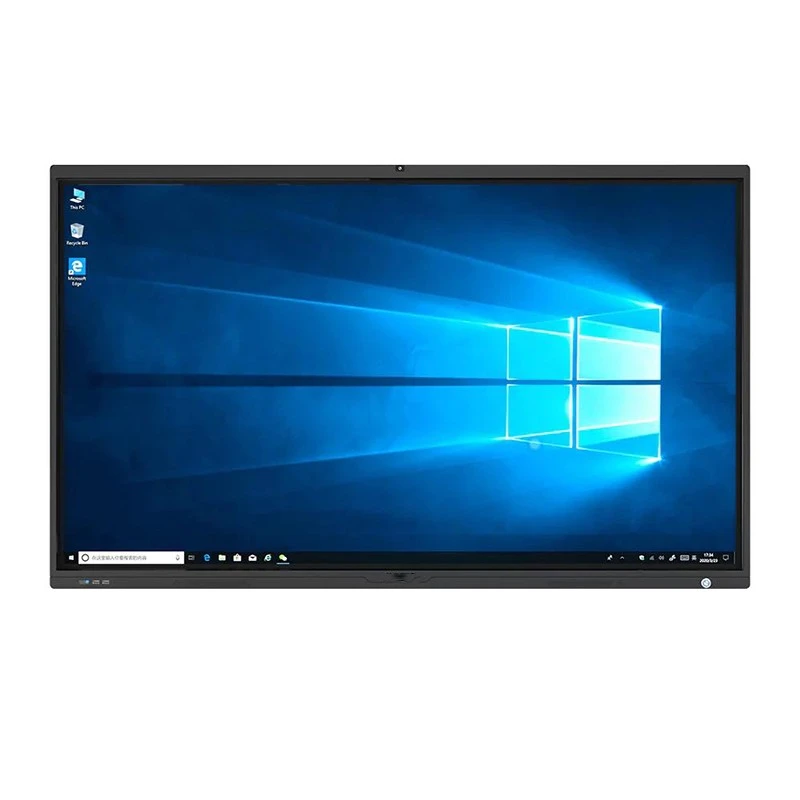
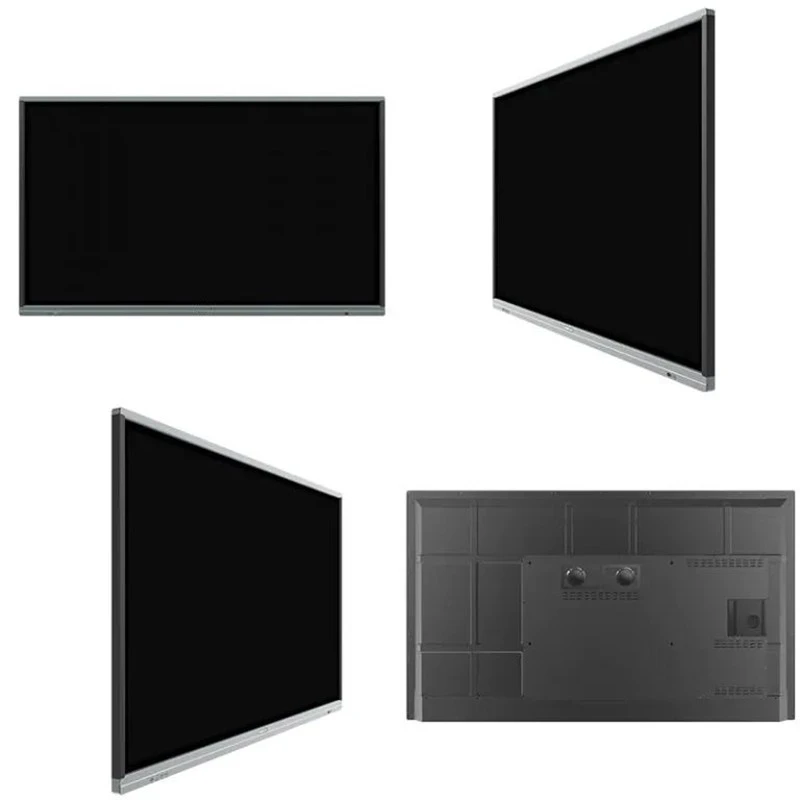
First off, let me tell you a bit about the range of products we offer. We've got the 55 Inch Interactive Smart Board for Preschool, which is perfect for our little learners. It's got a user - friendly interface that can engage preschoolers in basic math concepts like counting and simple shapes. Then, there's the 98 Inch Smart Boards for Schools, great for classrooms where you need a large display to show complex math problems to a whole class. And don't forget the 86 Inch Digital Board for Teaching, which strikes a nice balance between size and functionality.
1. Making Math Visual
One of the coolest things about interactive smart whiteboards is how they can turn abstract math concepts into something visual. For example, when teaching geometry, you can use the drawing tools on the board to create 2D and 3D shapes. You can easily draw a triangle, and then use the measurement tools to show the angles and side lengths. You can even animate the shapes to show how they transform, like turning a rectangle into a square by adjusting the side lengths.
In algebra, you can plot graphs on the board. Instead of just writing equations on a regular chalkboard, you can input the equations into graphing software on the smart whiteboard. The software will then generate the graph right in front of the students. You can play around with the parameters of the equation and watch how the graph changes. This helps students understand the relationship between the equation and the graph in a much more intuitive way.
2. Interactive Learning Activities
Interactive smart whiteboards open up a whole new world of learning activities. You can create math games on the board. For instance, a number bingo game where you call out math problems instead of just numbers. Students have to solve the problems and mark the answers on their bingo cards on the board. It's a fun way to review basic arithmetic operations like addition, subtraction, multiplication, and division.
Another activity could be a math scavenger hunt. Hide math problems around the virtual "room" on the smart whiteboard. Students have to use the board's navigation tools to find the problems and solve them. This not only gets them excited about math but also improves their problem - solving and exploration skills.
3. Real - World Math Examples
Bringing real - world examples into the math classroom is super important, and interactive smart whiteboards make it easier. You can show videos or images related to math in real life. For example, when teaching about percentages, you can show a video of a store having a sale. Use the board to calculate the discounted prices of different items. You can also use real - time data, like stock market prices, to teach about financial math.
If you're teaching measurement, you can show pictures of construction sites and talk about how architects and builders use measurement in their work. Then, you can use the board to measure the dimensions of the buildings in the pictures and do some related math problems.
4. Group Work and Collaboration
Interactive smart whiteboards are great for group work. You can divide the class into groups and assign each group a math problem to solve on the board. Each group member can take turns using the board to contribute to the solution. This promotes teamwork and communication among students.
You can also use the board's sharing feature to let different groups present their solutions to the whole class. Other groups can then ask questions and provide feedback. It's a great way to encourage critical thinking and peer - to - peer learning.
5. Immediate Feedback
With an interactive smart whiteboard, you can provide immediate feedback to students. When a student solves a problem on the board, you can use the board's annotation tools to mark the correct and incorrect parts of their solution. You can also add comments to explain where they went wrong and how to fix it.
For multiple - choice questions, you can use the board's response system. Students can use their tablets or clickers to submit their answers. The board will then show the results instantly, allowing you to see which concepts the students are struggling with and adjust your teaching accordingly.
6. Customization
One of the best features of these smart whiteboards is the ability to customize the learning experience. You can create your own lesson plans and worksheets on the board. Add your own questions, images, and instructions. You can also save these customized materials for future use.
If you have students with different learning needs, you can create differentiated materials. For example, for students who are struggling with a particular concept, you can create simpler problems and step - by - step guides on the board. For advanced students, you can provide more challenging problems and extensions.
7. Integrating with Other Tools
Interactive smart whiteboards can be integrated with other educational tools. You can connect it to online math resources. For example, you can access Khan Academy videos directly from the board. Watch the videos together as a class and then use the board to discuss the concepts covered in the videos.
You can also integrate it with math software like GeoGebra. GeoGebra is a great tool for teaching geometry, algebra, and calculus. With the integration, you can easily use GeoGebra's features on the smart whiteboard and enhance your math lessons.
8. Student Engagement
Let's face it, math can be a tough subject for some students. But an interactive smart whiteboard can really boost their engagement. The bright colors, animations, and interactive features make the learning process more fun. Students are more likely to pay attention and participate in class when they're using the board.
You can also use the board to encourage student creativity. For example, ask students to create their own math stories and illustrate them on the board. This combines math with language arts and creativity, making the learning experience more well - rounded.
9. Data Tracking
Many interactive smart whiteboards come with data - tracking features. You can track how long students spend on different math tasks, which problems they answer correctly or incorrectly, and their overall progress over time. This data can help you identify students who are falling behind and provide them with extra support.
You can also use the data to evaluate the effectiveness of your teaching methods. If you notice that a particular teaching activity isn't resulting in good student performance, you can make adjustments and try something new.
10. Continuous Learning and Professional Development
As an educator, it's important to keep learning and improving your teaching skills. There are many online resources and training courses available for using interactive smart whiteboards in math teaching. You can join webinars and online communities to share ideas and learn from other teachers.
Our company also offers training and support to help you get the most out of our smart whiteboards. We can show you all the advanced features and how to use them effectively in the math classroom.
In conclusion, interactive smart whiteboards are a game - changer for teaching math. They offer so many possibilities for making math more engaging, visual, and relevant. If you're interested in exploring how our educational interactive smart whiteboards can transform your math classroom, we'd love to have a chat with you. Contact us to start a procurement discussion and take your math teaching to the next level.
References
- National Council of Teachers of Mathematics. (Year). Principles to Actions: Ensuring Mathematical Success for All.
- Hattie, J. (Year). Visible Learning for Mathematics: What Works Best to Optimize Student Learning.
So, don't hesitate to reach out if you want to know more about our products and how they can revolutionize your math teaching.


