


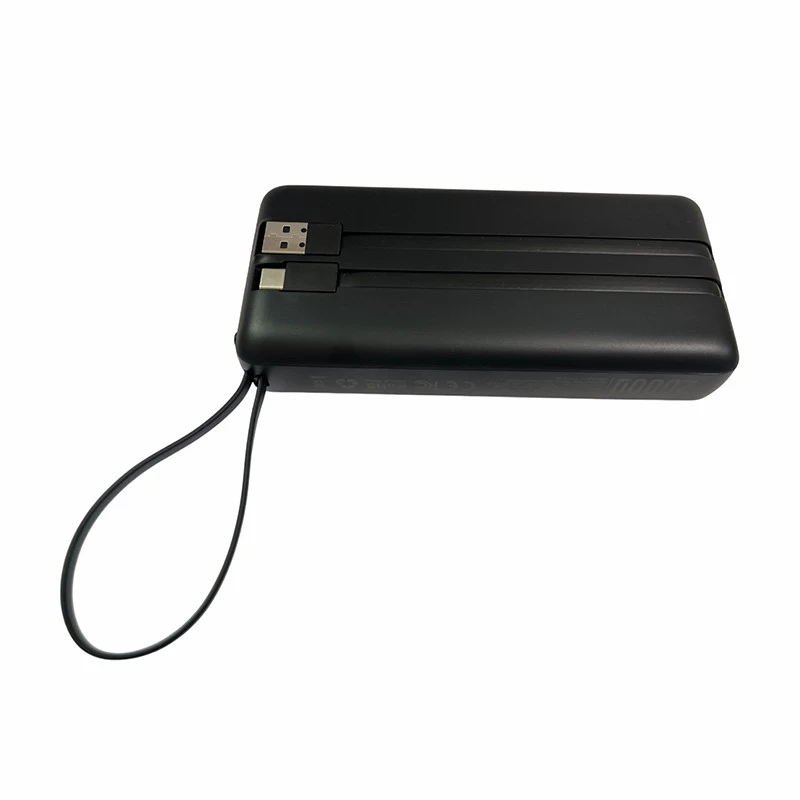
Hey there! As a supplier of Dual USB Portable Chargers, I've seen my fair share of issues with these handy gadgets. If you're dealing with a dual USB portable charger that's not working, don't worry—I've got some troubleshooting tips that can help you get it up and running again.
Check the Basics
First things first, let's start with the basics. Sometimes, the problem is as simple as a loose connection or a drained battery. Here are some steps you can take:
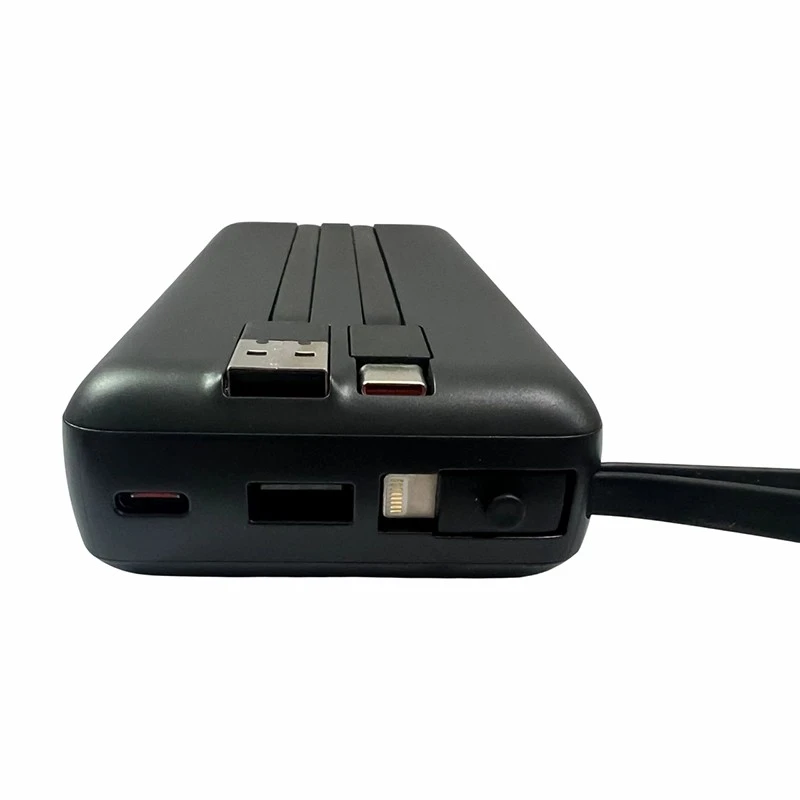
- Inspect the cables: Make sure the charging cables are properly plugged into both the charger and the device you're trying to charge. A loose connection can prevent the charger from working correctly. Try wiggling the cables a bit to see if that makes a difference.
- Check the power source: If you're charging the portable charger itself, ensure that the power source is working. Try plugging it into a different outlet or USB port. Sometimes, a faulty power source can be the culprit.
- Look at the indicator lights: Most dual USB portable chargers have indicator lights that show the charging status. Check if the lights are on and if they're indicating that the charger is working. If the lights are off or flashing erratically, there might be an issue.
Test the Charger with Different Devices
If the charger isn't working with one device, try using it with another. This can help you determine if the problem is with the charger or the device you're trying to charge. Here's how you can do it:
- Charge a different phone or tablet: Grab another device that you know works and try charging it with the dual USB portable charger. If it charges successfully, then the problem might be with the original device. On the other hand, if it doesn't charge, the issue is likely with the charger.
- Use different charging cables: Sometimes, a faulty cable can cause charging problems. Try using a different cable to see if that resolves the issue. You can also test the cables with other chargers to make sure they're working properly.
Reset the Charger
If the charger still isn't working after checking the basics and testing it with different devices, you might need to reset it. Here's how you can do it:
- Disconnect all devices: Unplug any devices that are connected to the charger and remove the charger from the power source.
- Press and hold the power button: Some dual USB portable chargers have a power button. Press and hold it for a few seconds to reset the charger. This can sometimes clear any glitches or errors that might be causing the problem.
- Reconnect the charger and devices: After resetting the charger, plug it back into the power source and connect the devices you want to charge. See if the charger is now working properly.
Check for Physical Damage
Physical damage can also cause a dual USB portable charger to stop working. Here are some things to look out for:
- Inspect the charger for cracks or dents: If the charger has been dropped or damaged, it could have internal issues that are preventing it from working. Check for any visible signs of damage on the charger's casing.
- Look at the USB ports: Make sure the USB ports on the charger aren't damaged or blocked. If there's debris or dirt in the ports, it can prevent the cables from making a proper connection. You can use a small brush or compressed air to clean the ports.
Consider the Battery
The battery is one of the most important components of a dual USB portable charger. If the battery is old or damaged, it can cause the charger to stop working. Here are some things to consider:
- Check the battery life: If the charger is relatively old, the battery might be reaching the end of its lifespan. Most portable charger batteries have a limited number of charge cycles, and after a certain point, they might not hold a charge as well.
- Look for signs of battery damage: If the charger feels hot to the touch or if there's a strange smell coming from it, it could be a sign of a damaged battery. In this case, it's best to stop using the charger and replace it.
When to Seek Professional Help
If you've tried all the troubleshooting steps above and the dual USB portable charger still isn't working, it might be time to seek professional help. Here are some options:
- Contact the manufacturer: If the charger is still under warranty, contact the manufacturer for support. They might be able to offer a replacement or repair the charger for you.
- Take it to a professional repair shop: If the charger is out of warranty, you can take it to a professional repair shop. They have the tools and expertise to diagnose and fix the problem.
Our Dual USB Portable Chargers
At our company, we offer a range of high-quality dual USB portable chargers that are designed to meet your needs. Whether you're looking for an Ultra-Fast Power Bank for Travel, a Lightweight Power Bank for Bags, or a Mini Power Bank for Emergency, we've got you covered.
Our chargers are built with the latest technology and are tested to ensure reliability and performance. We also offer excellent customer support, so if you have any questions or issues with our products, don't hesitate to reach out.
Contact Us for Purchasing
If you're interested in purchasing our dual USB portable chargers, we'd love to hear from you. Whether you're a retailer looking to stock our products or an individual in need of a reliable charger, we can help. Contact us to discuss your requirements and get a quote. We're committed to providing you with the best products and service at competitive prices.
References
- Personal experience as a Dual USB Portable Charger supplier.
- General knowledge of portable charger technology and troubleshooting.


